Moving 120 websites to a new server with zero downtime
My step-by-step migration plan — lowering the DNS TTL, syncing files with rsync, switching DNS and checking email, SSL and speed.

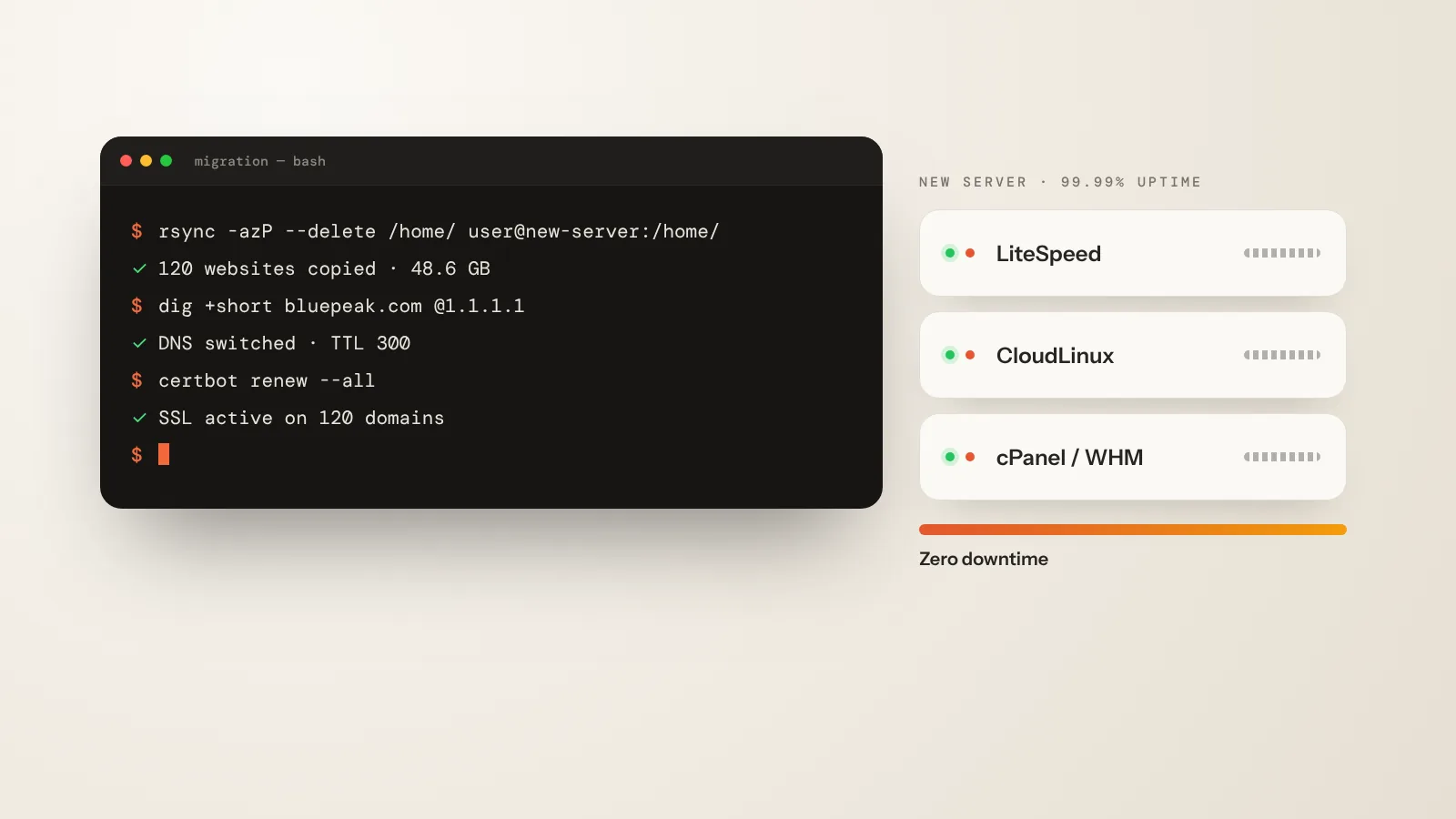
Bluepeak Media had 120 client websites on slow shared hosting. The goal: move everything to a tuned LiteSpeed server without a single minute of downtime. This is the plan I follow on every migration.
1. Lower the DNS TTL two days before
Set the TTL of every record to 300 seconds. When you switch later, visitors reach the new server within minutes instead of hours.
2. Copy files and databases
# copy every account (run again just before the switch)
rsync -azP --delete /home/ root@new-server:/home/

# export and import a database
mysqldump -u user -p shop_db > shop_db.sql
mysql -u user -p shop_db < shop_db.sql
3. Test before you switch
Use a hosts-file entry to open each site on the new server, check forms, logins and checkout, then run a final rsync.
4. Switch DNS and watch
Update the A records, issue SSL certificates and keep an eye on the error logs for 24 hours. Email needs SPF, DKIM and DMARC on the new server too.
Comments
0 commentsNo comments yet — be the first to share your thoughts.
Keep reading
More articles
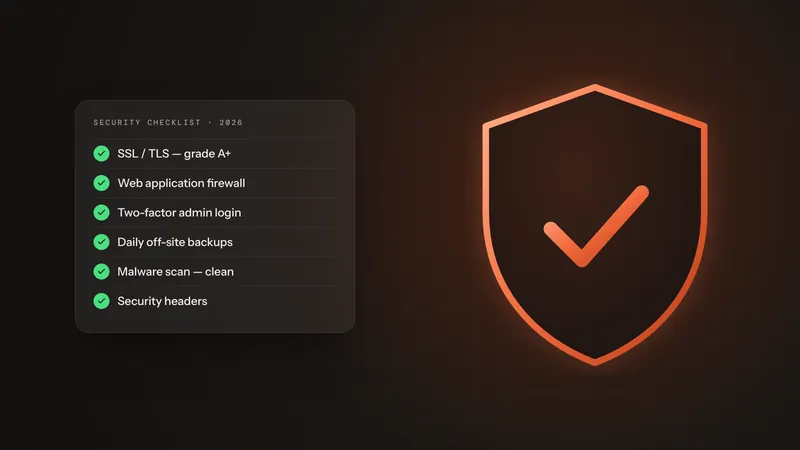
How I secure a WordPress website — a practical checklist
The exact hardening steps I use on client sites: updates, a firewall, two-factor logins, backups and the server settings most people forget.
Choun Mia
Before & after: editing a sunset photo with my free Lightroom presets
Drag the slider to compare the flat RAW file with the final edit — then download the presets and try them on your own photos.
Choun Mia
Designing a premium portfolio: typography, color and motion
Why this website uses a bold sans-serif with an italic serif accent, a warm cream palette and small, purposeful animations.
Choun Mia